Assets
Assets are the tools and types of equipment that are assigned to your team to get work done. This app helps you to track your business assets allocations. You can view the list of all Asset under the HR section. You can add, edit, delete, export, or import a Asset.
At the top of the Asset page, you'll find the New Asset button. The New Asset option allows you to create new Asset. You can add Asset by selecting the New Asset button or clicking on the More option to import a list of Asset using the XLS or XLSX sheet format.
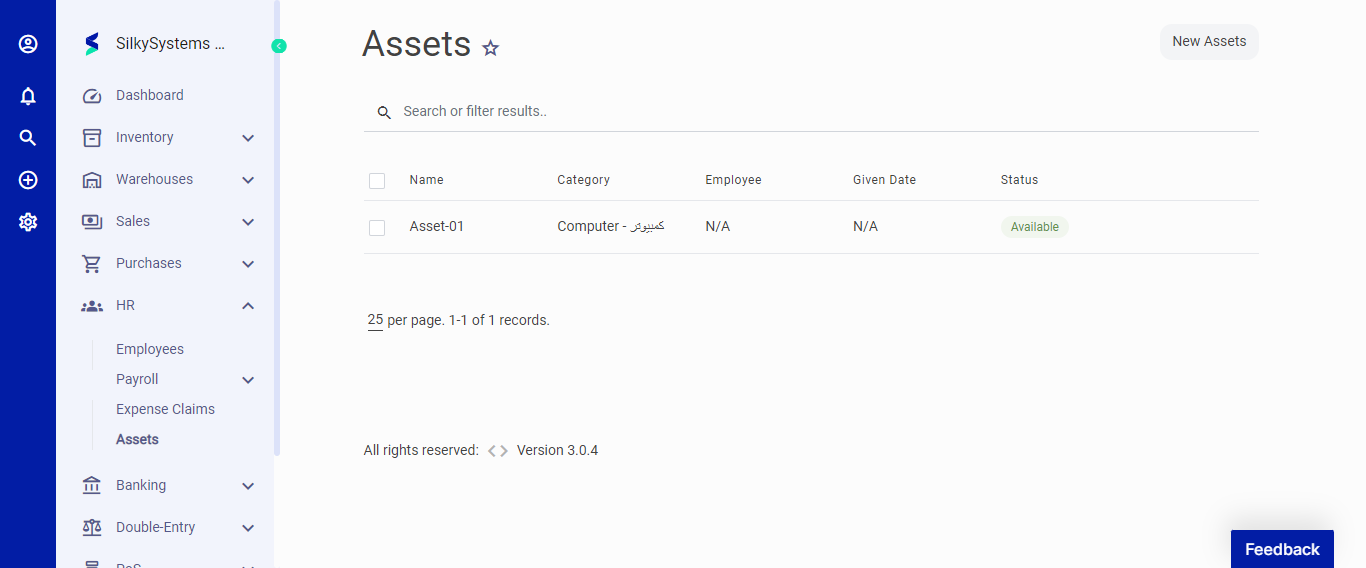 Figure.01 Asset
The following fields are displayed when creating a New Asset:
- Name: Name of the Asset.
- Category: Category of the asset.
- Serial Number: Serial number of the asset.
- Bill: Bill for the asset.
- Description: This gives more information about the asset.
- Attachment: You can attach a file related to that asset.
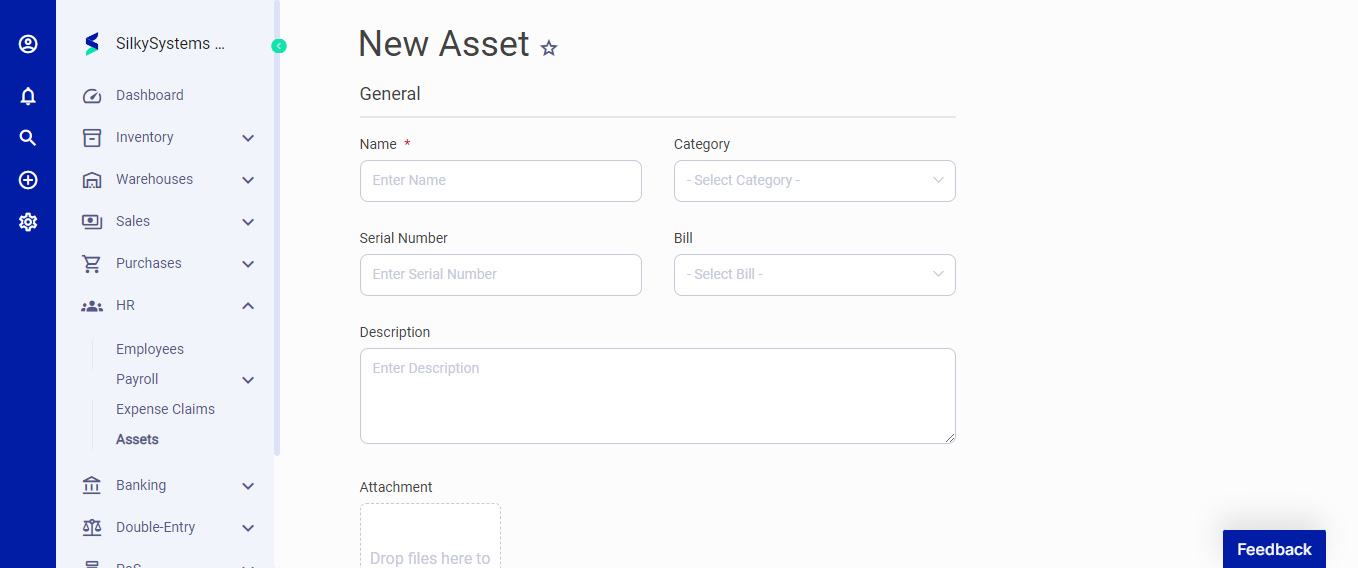 Figure.02 Asset
After creating a new Asset, you can see a list of your Asset on the Asset home page. A mouse hover on a listed Asset reveals the options to show, edit, duplicate, print, download, send or delete.
Click on any Asset to view its details.