Credit Notes
The Credit Note is a vital part of the Accounting System. It is beneficial to record order details for all sales. Under the Sales section, you can see a list of all Credit Notes. You can view the list of all Credit Note under the Sales section. You can add, edit, delete, or export a Credit Note.
At the top of the Credit Note page, you'll find the New Credit Note button. The New Credit Note option allows you to create new Credit Note. You can add Credit Note by selecting the New Credit Note button.
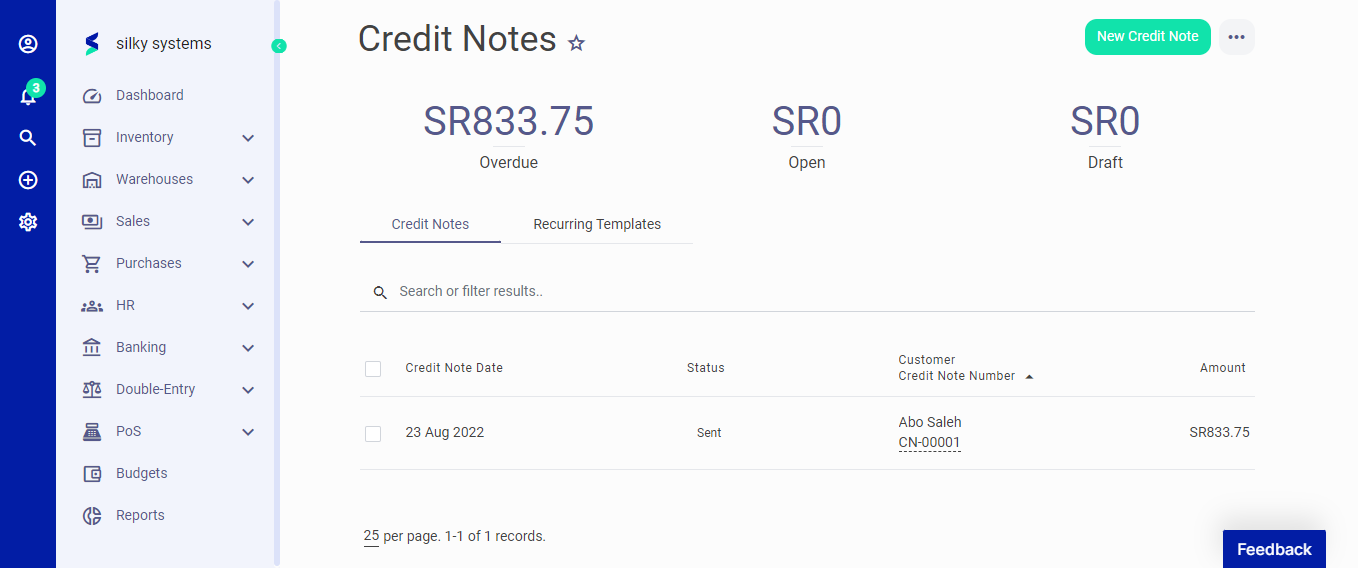 Figure.01 Credit Note
The following fields are displayed when creating a New Credit Note:
- Customer: Customer name.
- Credit Note Date: Date of Credit Note
- Credit Note Number: Auto generated Credit Note number.
- Tax Invoice: Select the tax invoice for the credit note.
- Credit Customer Account: Select if you want to credit the customer account.
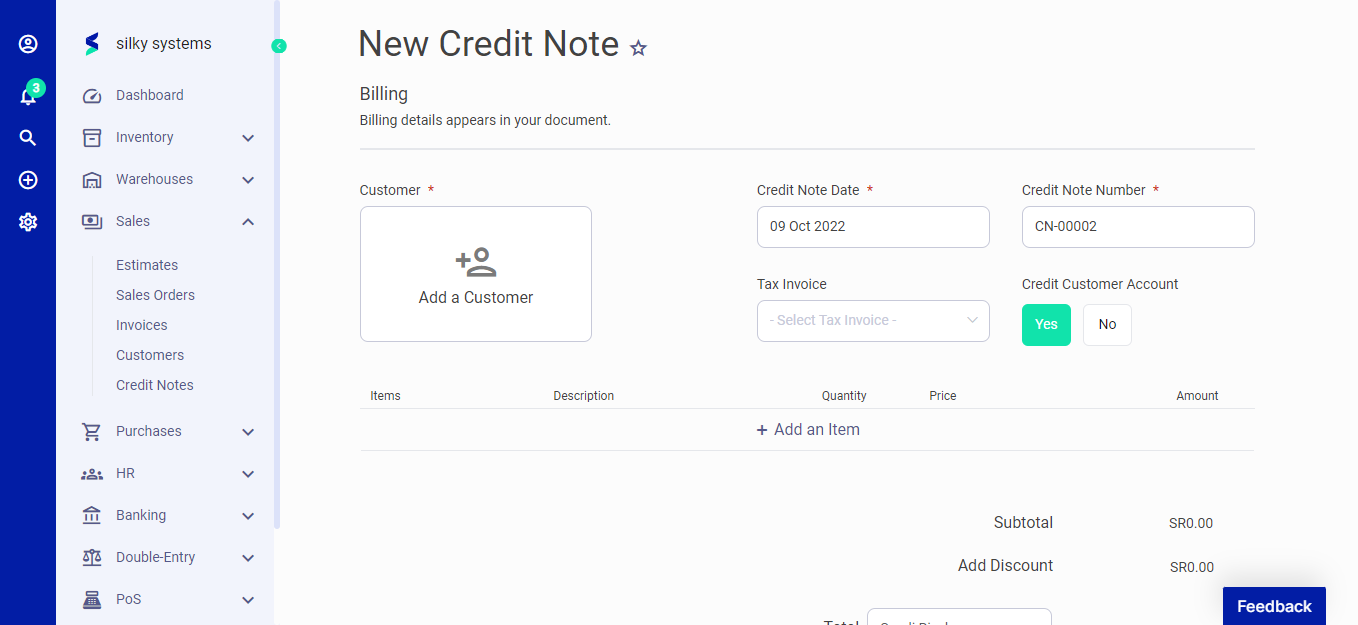 Figure.02 Credit Note
Click on add item to start adding the items and their details such as description, quantity, price, and discount. In the Advanced section, you can attach a document, fill in extra information in the footer and assign the category for the Credit Note.
After creating a new Credit Note, you can see a list of your Credit Note on the Credit Note home page. A mouse hover on a listed Credit Note reveals the options to show, edit, duplicate, print, download, send or delete.
Click on send options to mark the status as Send, confirm or convert to Invoice.
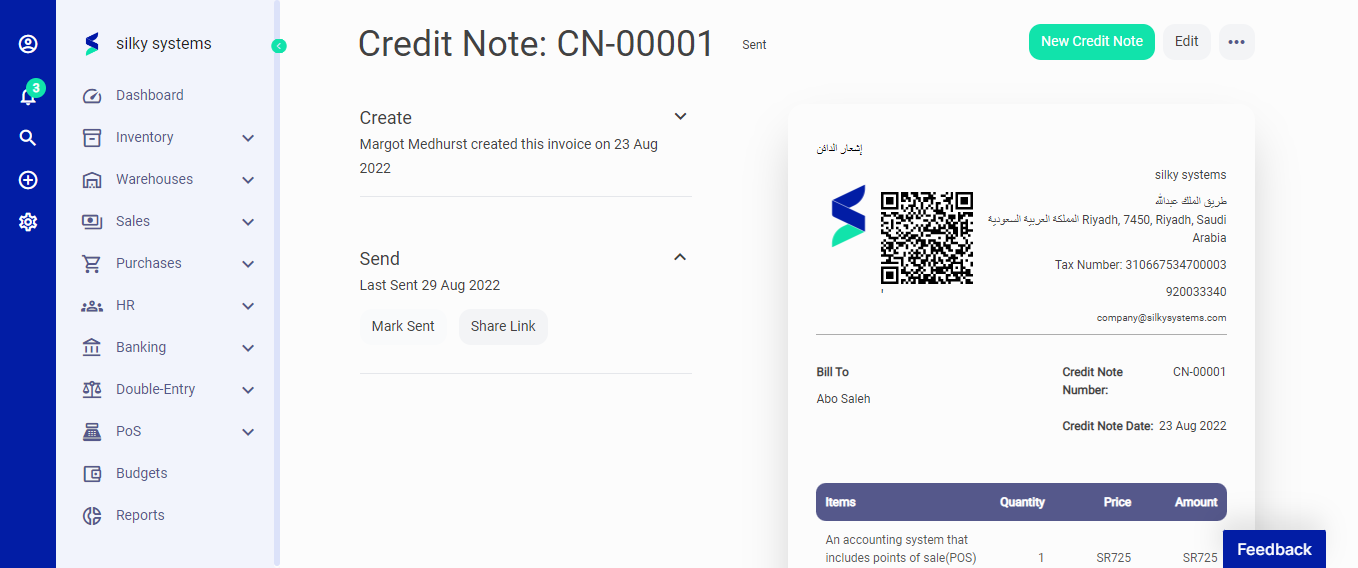 Figure.03 Credit Note