Reconciliation
Bank reconciliation is a process to ensure that your company's income and expense records match your bank records.
The reconciliations page is located under the Banking -> Reconciliations menu. You can see all reconciliations on this page, search for any, create a new one, edit the current ones or delete them.
Reconciled income/expenses get protected so they can't be deleted. You can reconcile your transaction for a selected period or edit your closing balance if needed to reconcile your accounts.
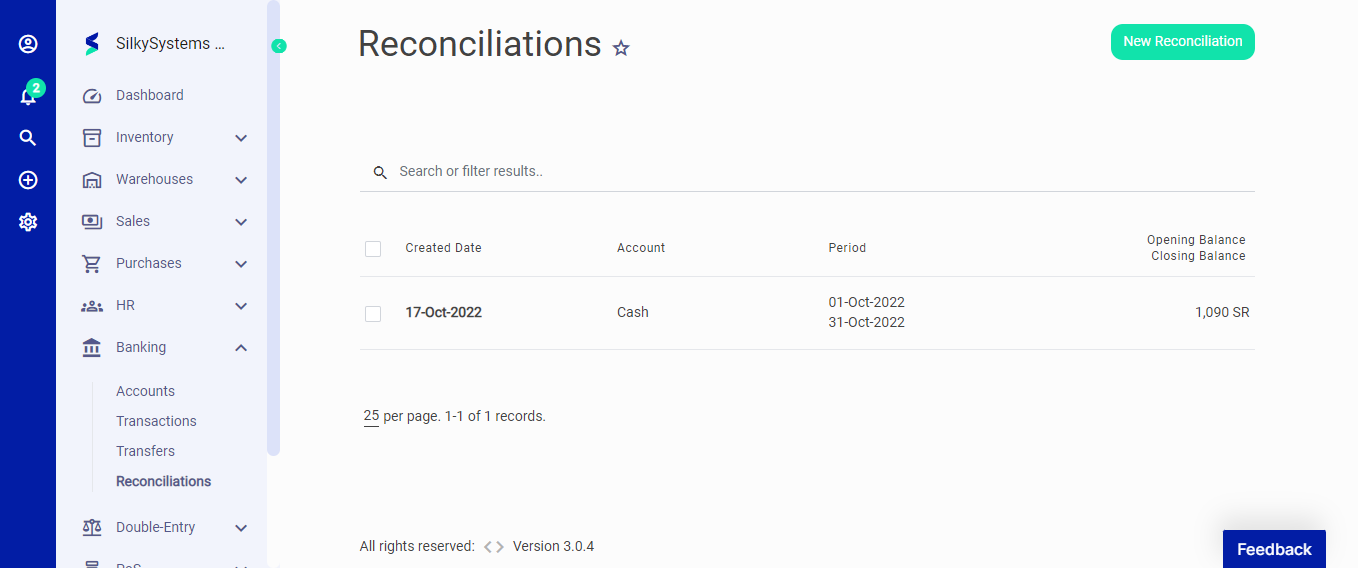 Figure.01 Reconciliation
To complete reconciliation, your Closing Balance and Cleared Amount must be the same. When you select from a list of transactions, you can see the difference at the left bottom of the reconciliation page.
When creating a new reconciliation, the following fields are displayed:
- Start Date: The date reconciliation is performed.
- End date: Reconciliation end date
- Closing Balance: The reconciled balance.
- Account: The account from which the reconciliation is carried out.
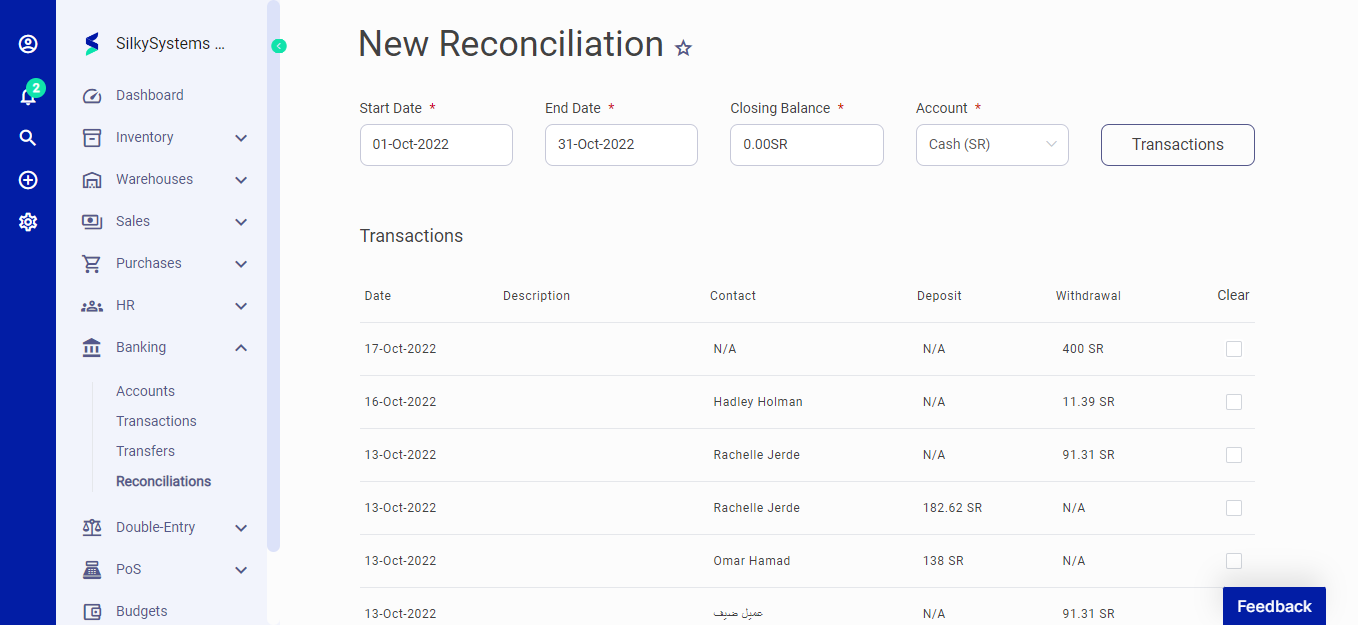 Figure.02 Reconciliation
On the Reconciliations page, you can click the checkbox on a transaction to see the following quick options just at the top - Reconcile, Unreconcile, and Delete.
You can also hover on a transaction to Edit or Delete.