Transfers
Sometimes you may want to transfer money from one account to another. For example, moving your cash to the Bank. In such a case, the Accounting system creates a revenue and payment record for the respected accounts.
The transfers page is located under the Banking -> Transfers menu. You can see all transfers on this page, search for any, create a new one, edit the current ones or delete them.
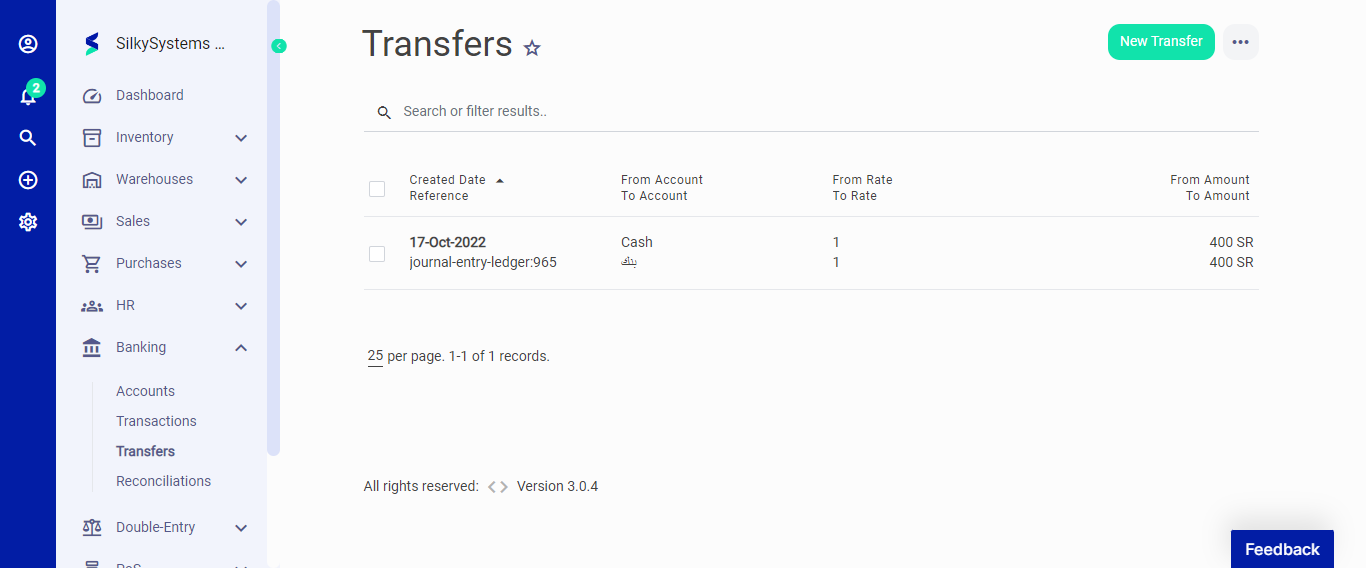 Figure.01 Transfers
Money transferred between accounts with different currencies will be converted automatically by the Accounting system, based on the currency rates you have set up from the Settings > Currencies page.
On the Transfer page, you can click on the New Transfer button to initiate a transfer or click on More options to Import or Export transfers.
On the New Transfer page, the following fields are displayed:
- From Account: The account money gets out.
- To Account: The account money gets in.
- Date: Transfer date.
- Amount: The amount of the transfer.
- Description: Add a note for the transfer
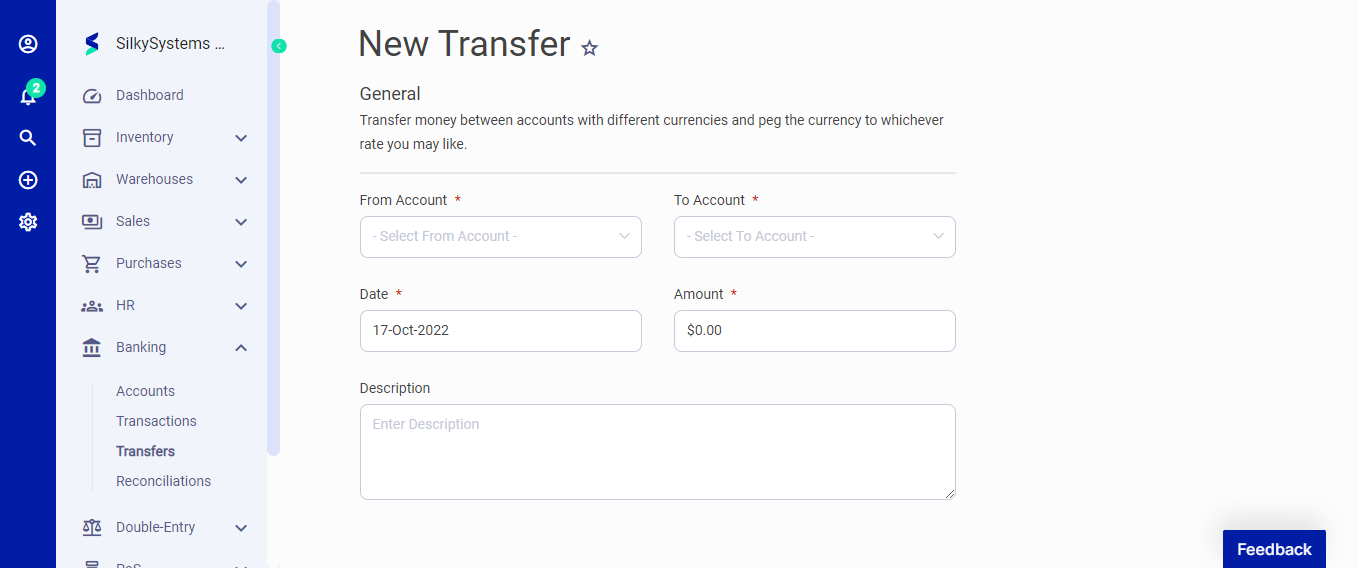 Figure.02 Transfers
After creating a new Transfers, you can see a list of your Transfers on the Transfers home page. A mouse hover on a listed Transfers reveals the options to show, edit, duplicate, or delete. Click on any Transfers to view its details.
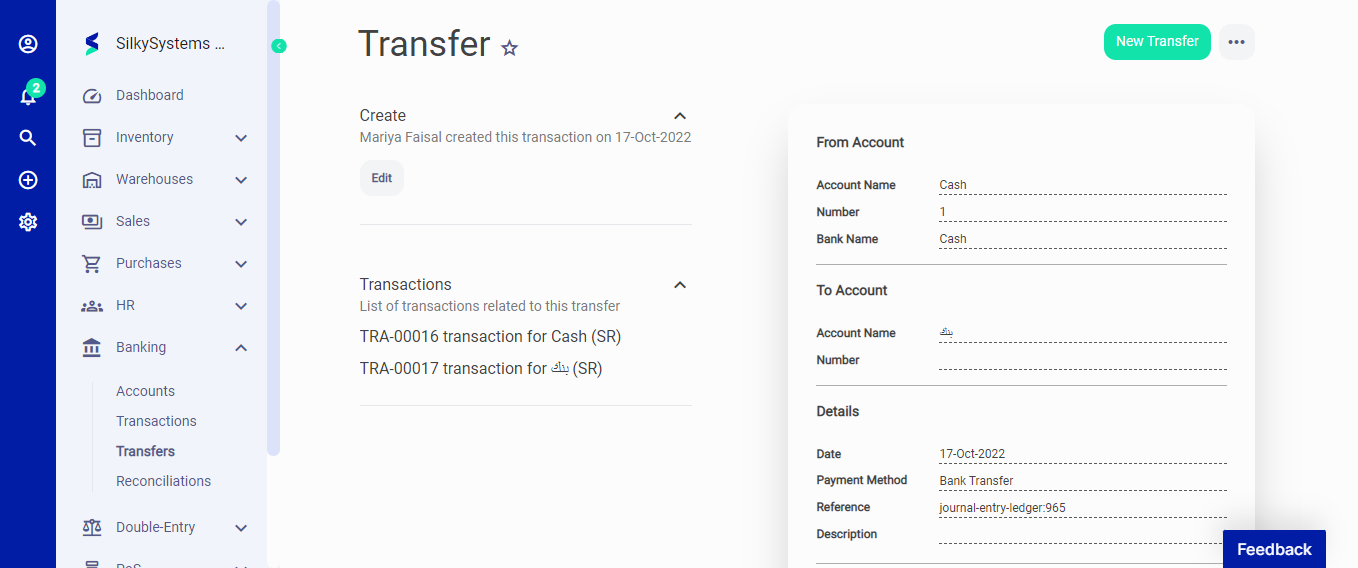 Figure.03 Transfers