Run Payrolls
Run payroll calendars listed here and can be approved, edited, or removed. While running a pay calendar, you can add pay items (allowance or deduction) for each employee. You can view the list of all Run Payrolls under the HR section. You can edit, delete, duplicate, approve, not approve, export, or import a Run Payrolls.
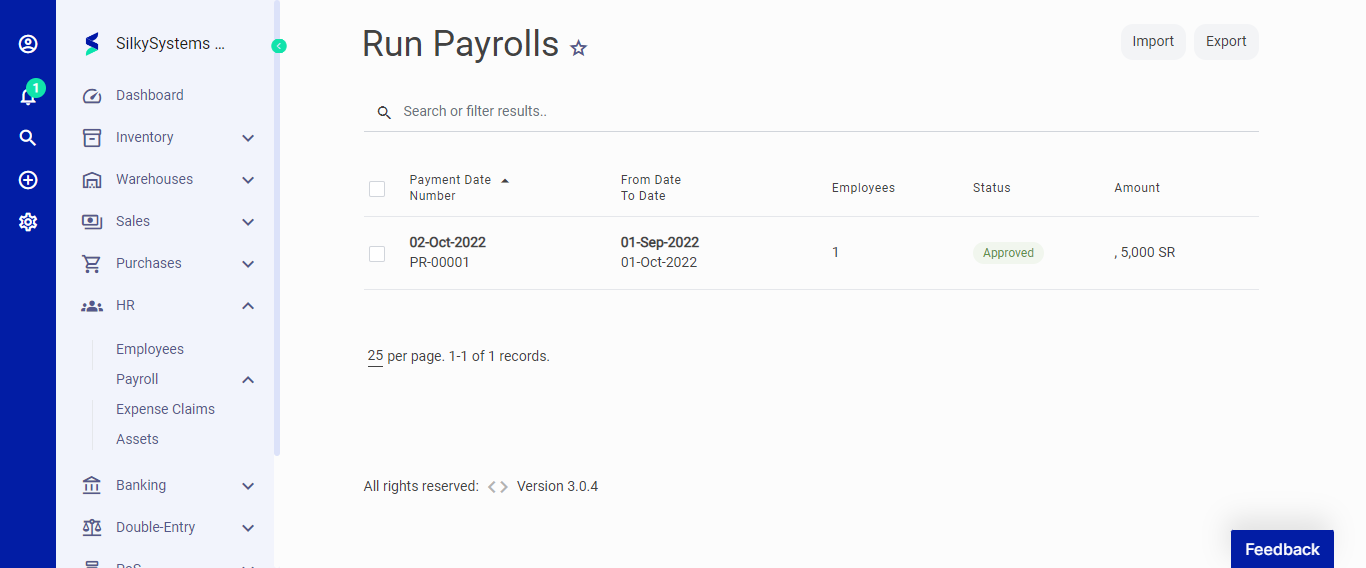 Figure.01 Run Payrolls
On the Pay Calender page, hover on the pay calender and click on Run Payroll.
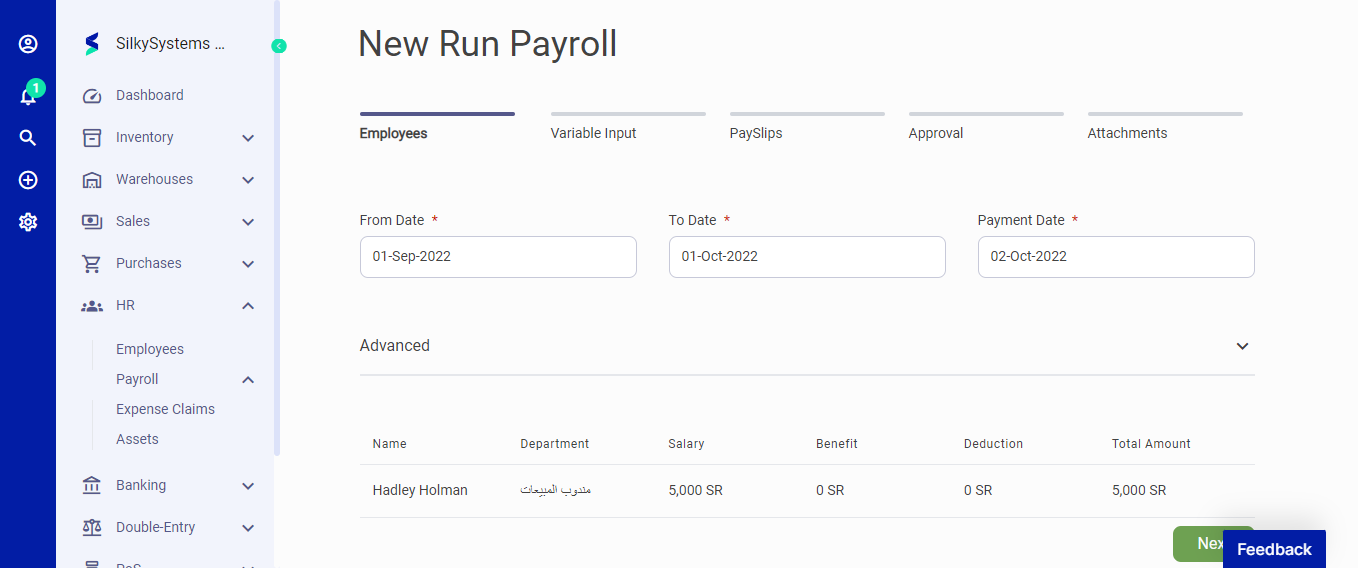 Figure.02 Run Payrolls
After creating a new Run Payrolls, you can see a list of your Run Payrolls on the Run Payrolls home page. A mouse hover on a listed Run Payrolls reveals the options to show, edit, duplicate, print, download, send or delete.
Click on send options to mark the status as Send, confirm or convert to Invoice.
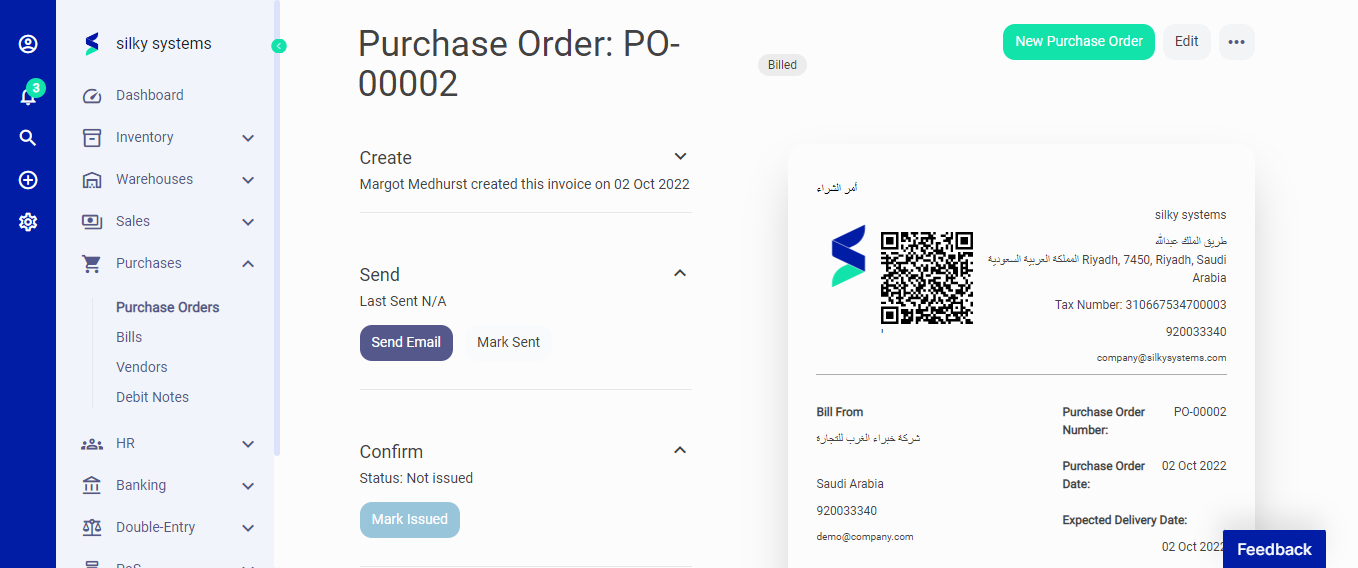 Figure.03 Run Payrolls