Bin Locations
Bin location is the smallest unit of space inside a warehouse where merchants store their goods. Bin locations simplify the inventory management processes, ensuring merchants always know where to store and find their products. The main difference between shelves and bin location is that a bin location can be moved from one place to another while shelves are fixed in one place. You can view the list of all Bin Locations under the Warehouse section. You can add, edit, delete, export, import, or print Bin Locations.
At the top of the Bin Locations page, you'll find the New Bin Location button. The New Bin Locations option allows you to create new Bin Locations. You can add Bin Locations by selecting the New Bin Locations button or clicking on the More option to import a list of Bin Locations using the XLS or XLSX sheet format.
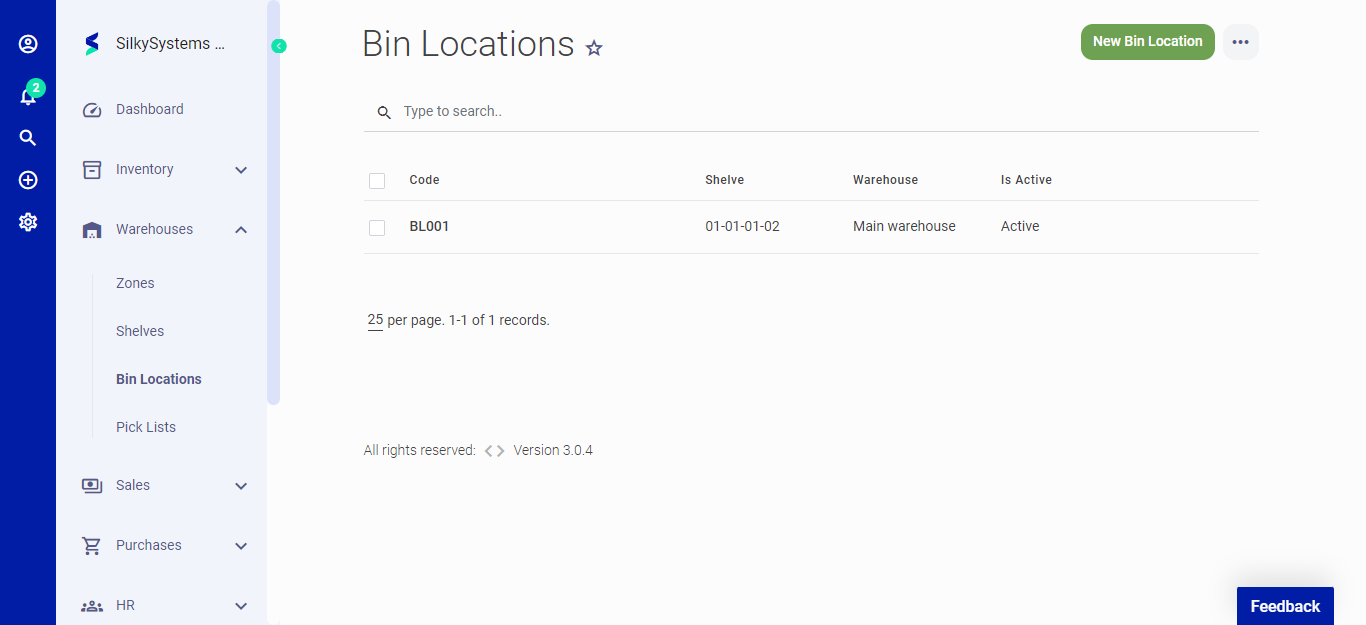 Figure.01 Bin Locations
The following fields are displayed when creating a New Bin Locations:
- Warehouse: Select the warehouse for the Bin Location.
- Shelve: Select the shelve for the Bin Location.
- Code: Bin Location code.
- Width: Width of the Bin Location.
- Length: Length of the Bin Location.
- Height: Height of the Bin Location.
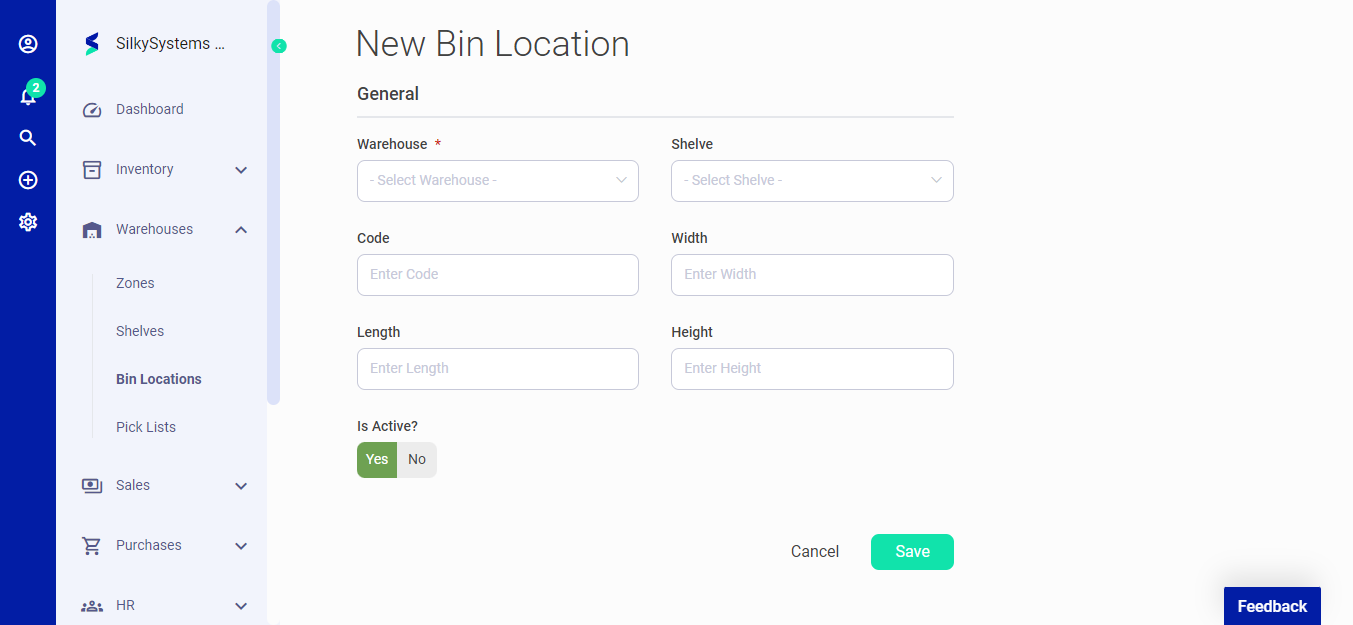 Figure.02 Bin Locations
After creating a new Bin Location, you can see a list of your Bin Locations on the Bin Locations home page. A mouse hover on a listed Bin Locations reveals the options to show, edit, delete or print.
Click on the any Bin Location to view its details.
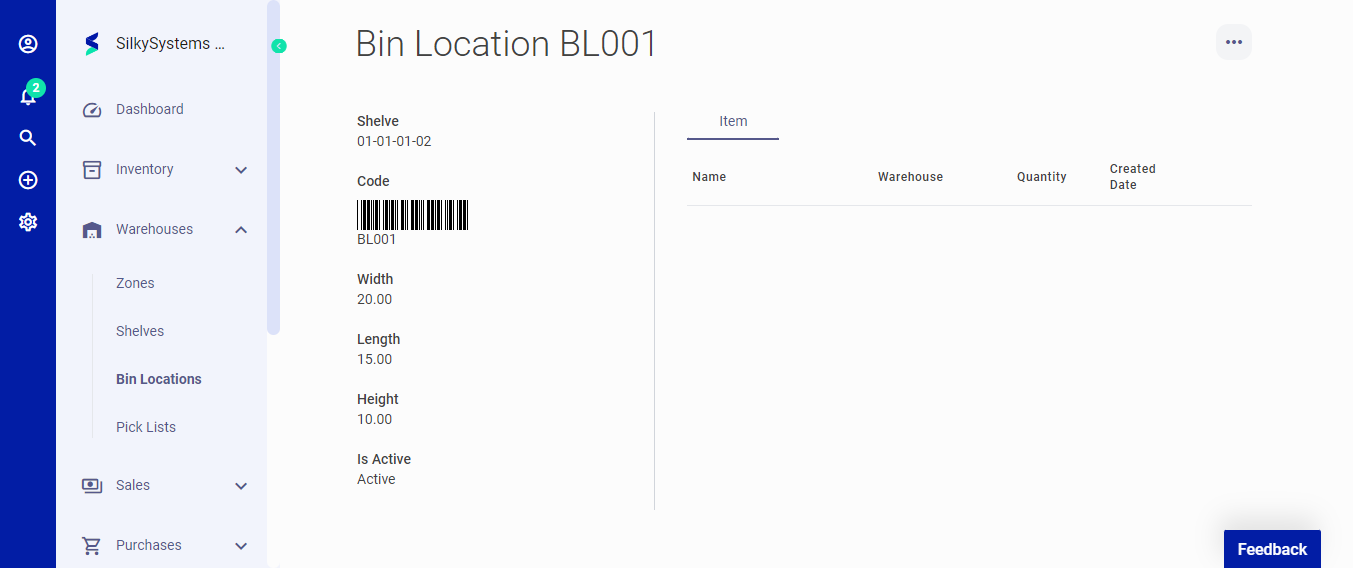 Figure.02 Bin Locations