Shelves
When setting up or organizing your warehouse, there is perhaps nothing more important than getting your warehouse shelving right. Whether you’re setting up your warehouse mainly for long-term storage, or managing daily material handling in and out your warehouse, your warehouse shelving is going to be the biggest factor in how efficiently your warehouse can function. You can view the list of all Shelves under the Warehouse section. You can add, edit, delete, export, import, or print barcode.
At the top of the Shelves page, you'll find the New Shelve button. The New Shelves option allows you to create new Shelves. You can add Shelves by selecting the New Shelves button or clicking on the More option to import a list of Shelves using the XLS or XLSX sheet format.
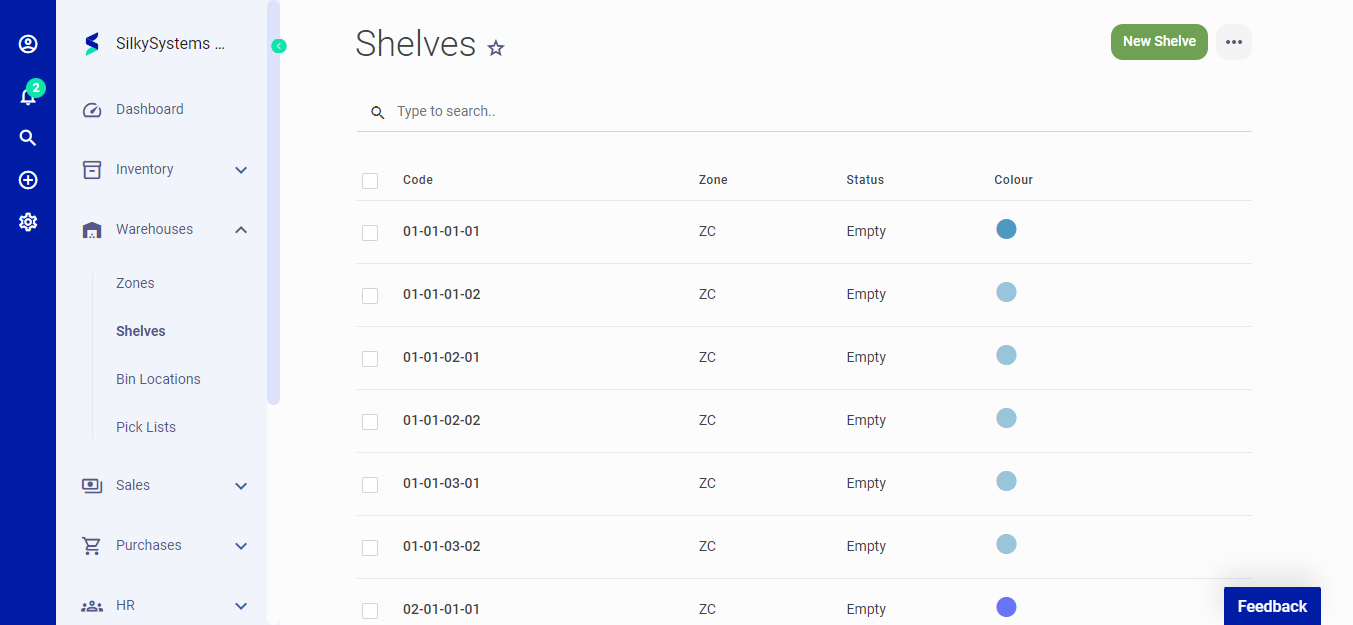 Figure.01 Shelves
The following fields are displayed when creating a New Shelves:
- Zone: Zone name.
- Color: Color for the shelve.
- Rack: Rack info regarding the shelve.
- Bay: Bay info regarding the shelve.
- Level: Level info regarding the shelve.
- Position: Position of the shelve.
- Status: Select whether the shelve is empty or full.
- Width: Width of the shelve.
- Length: Length of the shelve.
- Height: Height of the shelve.
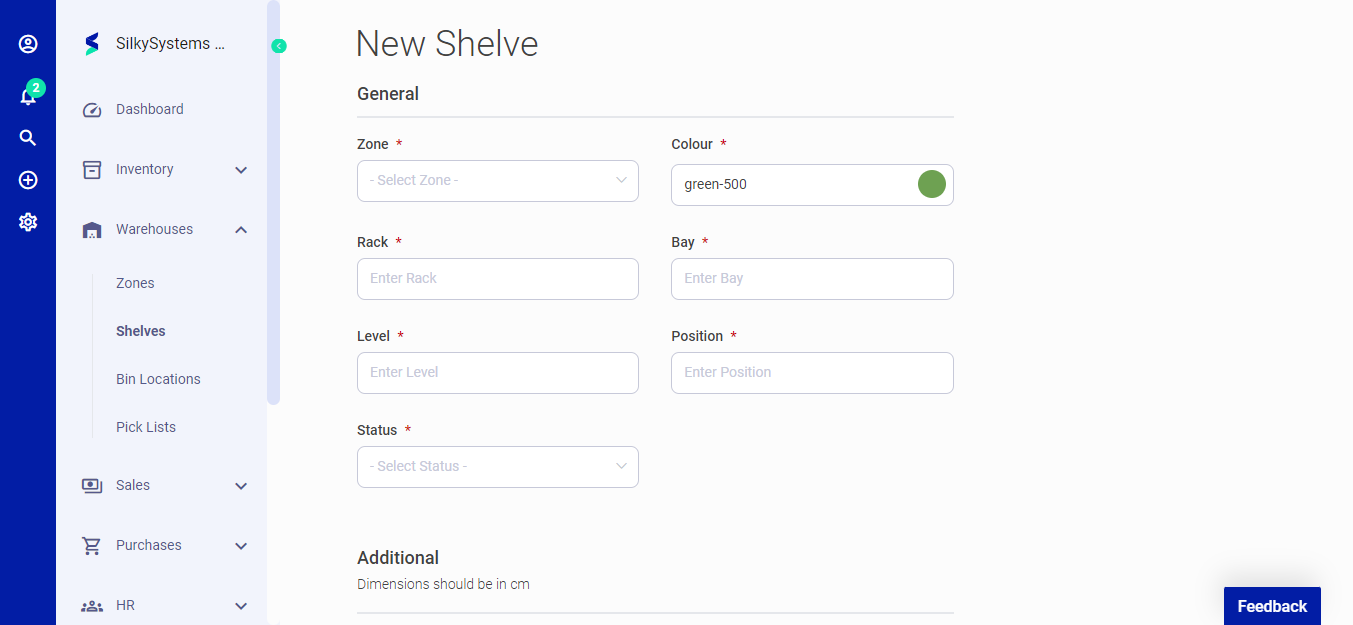 Figure.02 Shelves
After creating a new Shelve, you can see a list of your Shelves on the Shelves home page. A mouse hover on a listed Shelves reveals the options to show, edit, delete or print.
Click on the any Shelve to view its details.
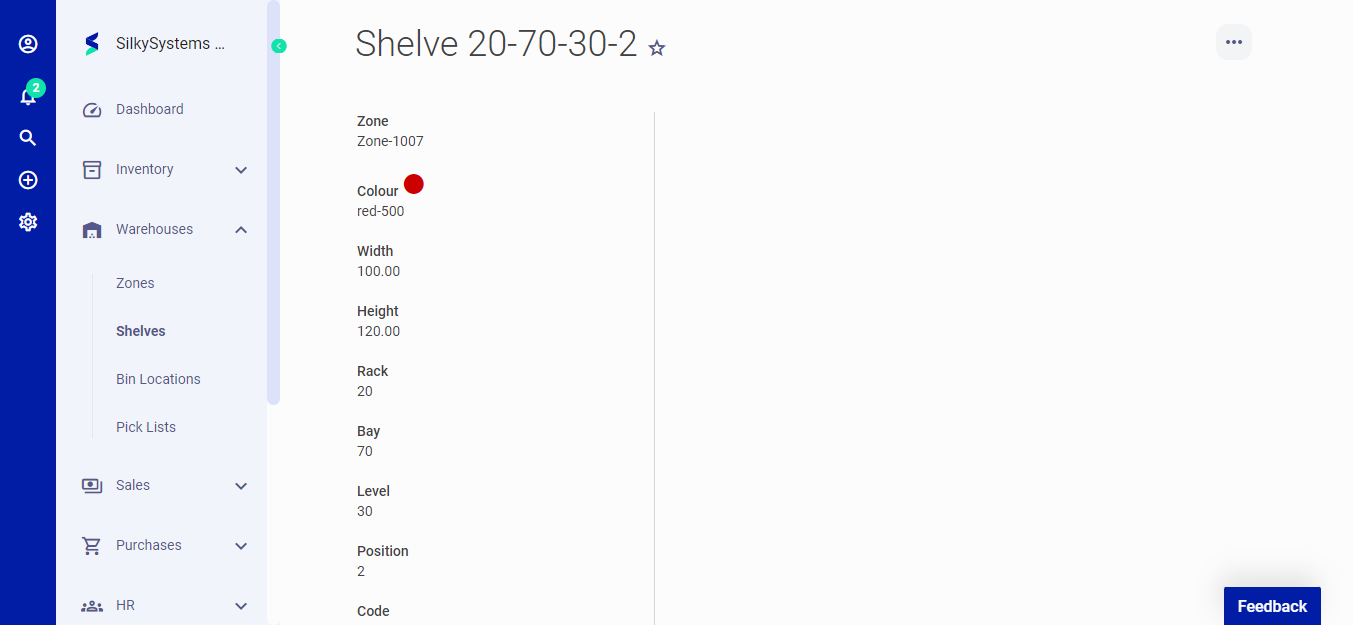 Figure.02 Shelves