Zones
A warehouse zone is a physically or logically segregated area within a warehouse defined by the type of material it contains (bulk or rack storage, hazardous material, etc.) or the division of equipment and personnel used to put away, move and pick. You can view the list of all Zones under the Warehouse section. You can add, edit, or delete a Zone.
At the top of the Zones page, you'll find the New Zone button. The New Zone option allows you to create new Zones.
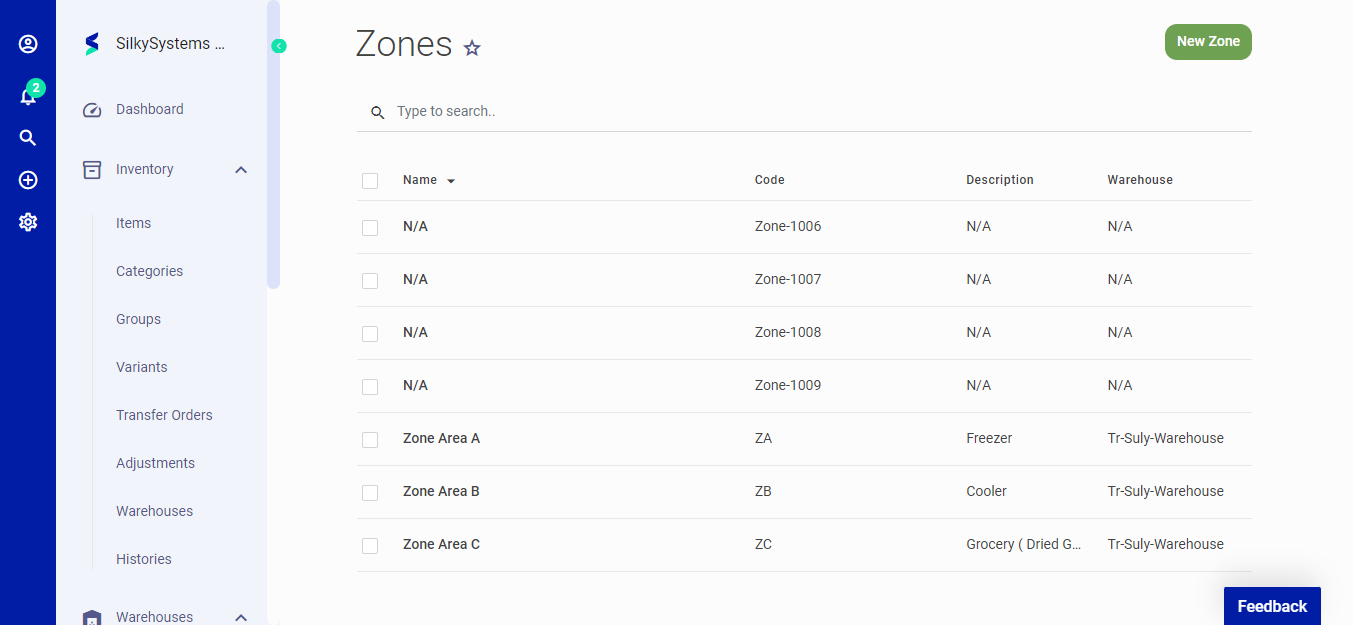 Figure.01 Zones
Click on New Zone button to create a new zone. The following fields are displayed when creating a New Zones:
- Warehouse: Warehouse name.
- Name: Name of the zone.
- Code: Unique zone code.
- Description: You can describe your zone in detail over here.
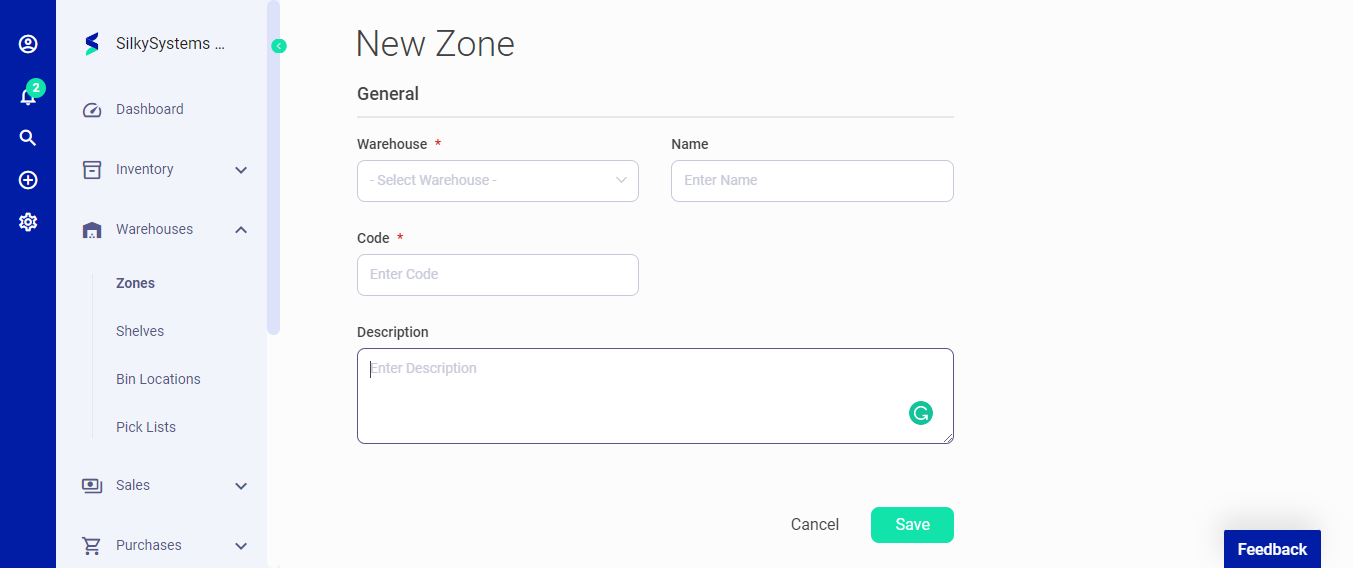 Figure.02 Zones
After creating a new Zone, you can see a list of your Zones on the Zones home page. A mouse hover on a listed Zones reveals the options to show, edit, or delete.
Click on the any zone to view its details. In the view page you can check out the warehouse name, zone name, code and description.
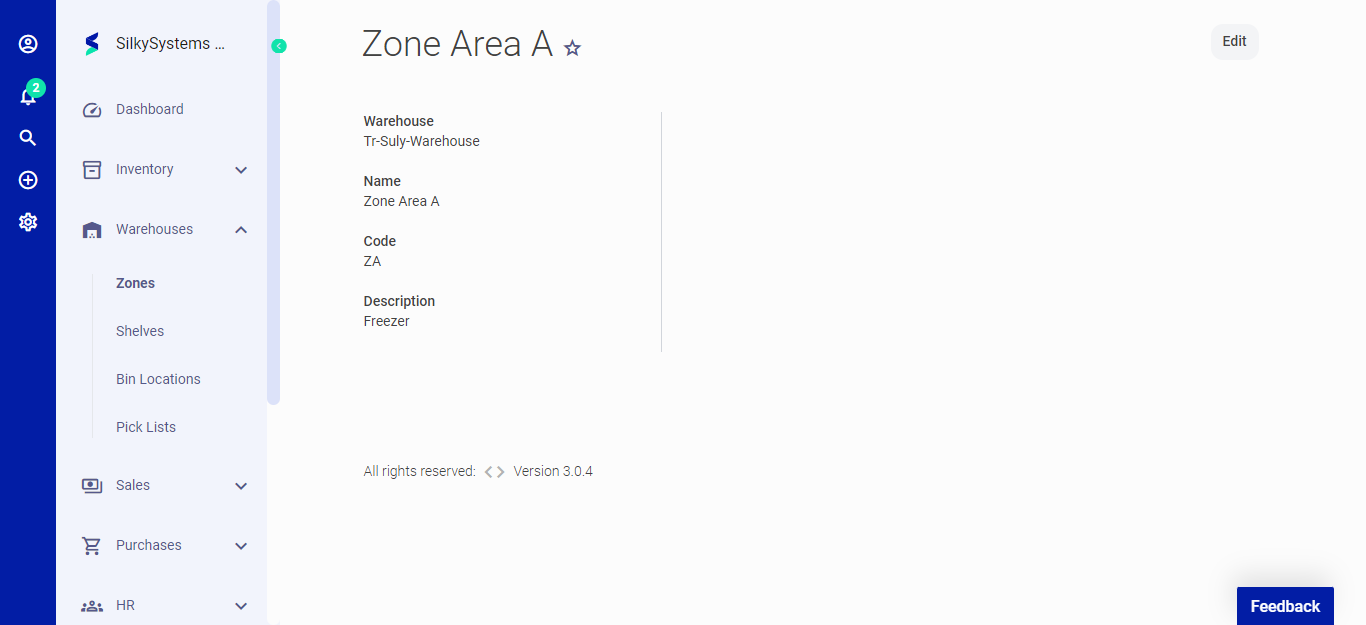 Figure.02 Zones