Adjustments
Because of some reasons such as damaged items and stolen items etc., your company's real stocks and recorded stocks may not be equal. Inventory adjustment provides you to record missing items. Click on the Adjustments menu to add new Adjustments from the top of the page.
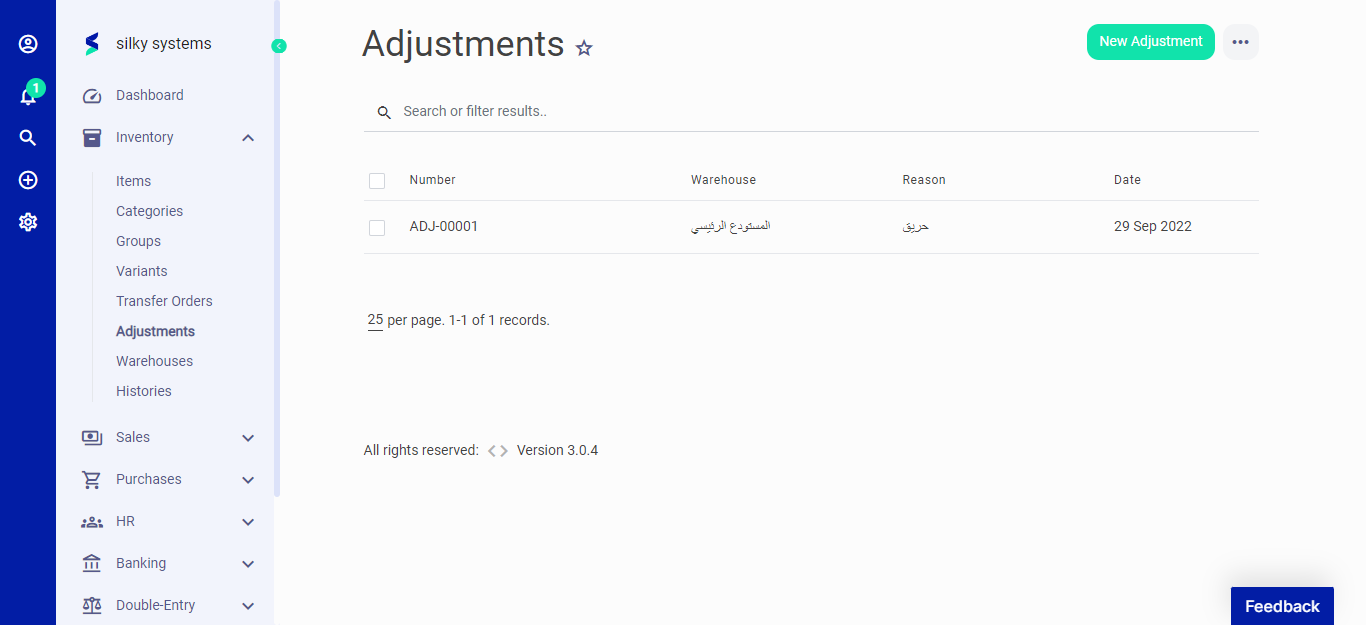 Figure.01 Adjustments
The following fields are displayed for Adjustments
- Adjustment Number: This is auto generated number for the Adjustment.
- Date: The date of the Adjustment made.
- Warehouse: Select the warehouse whose items you want to adjust.
- Reason: The reason for the adjustment.
- Description: You can describe your reason in detail over here.
Once you select the warehouses, item section appears below where you can select the items and adjust their quantity.
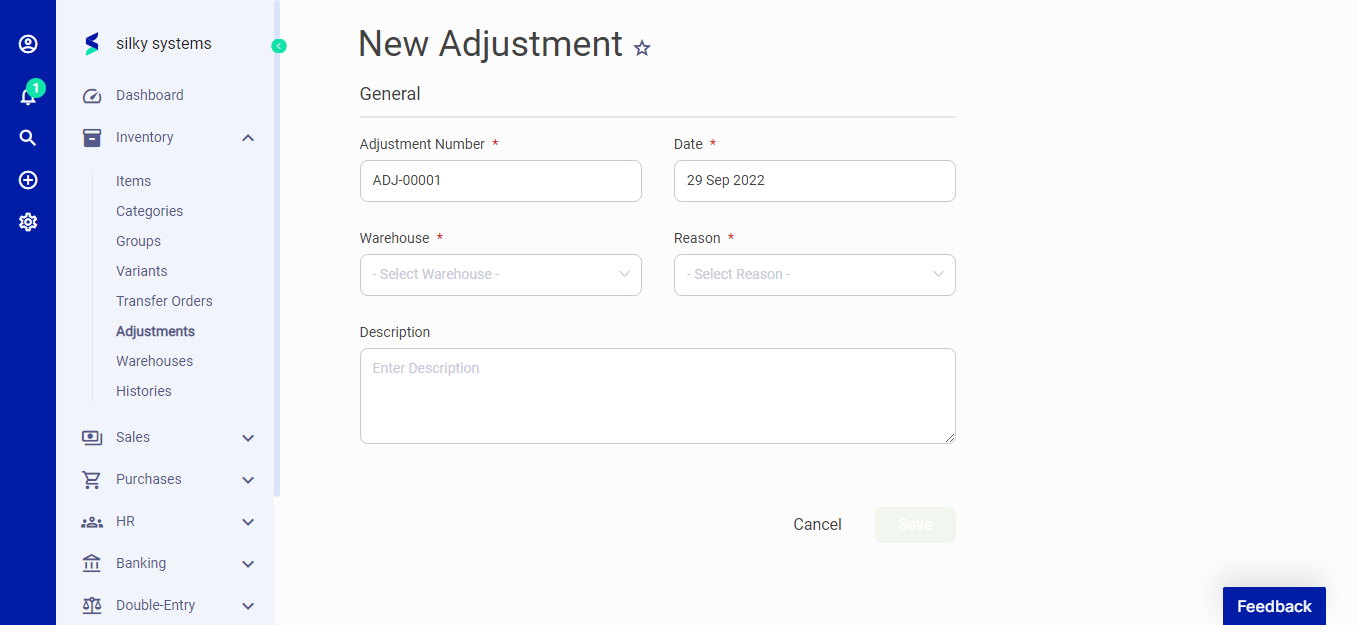 Figure.02 Adjustments