Variants
You can add and manage variants that describe your items better in the Variants section. You can create a group of items that have the same variants such as color, size, etc. Click on the Variants menu to add new Variants from the top of the page.
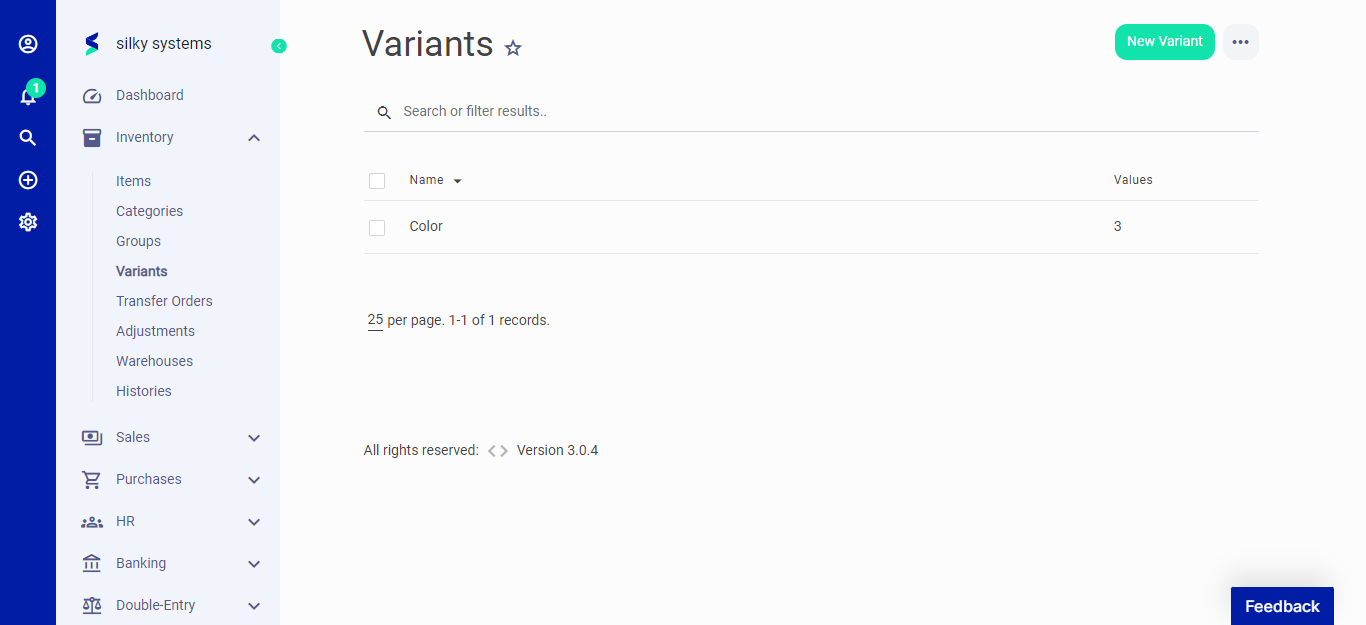 Figure.01 Variants
The following fields are displayed for Variants
- Name: The name of variant.
- Values - Name: The name of the variant values.
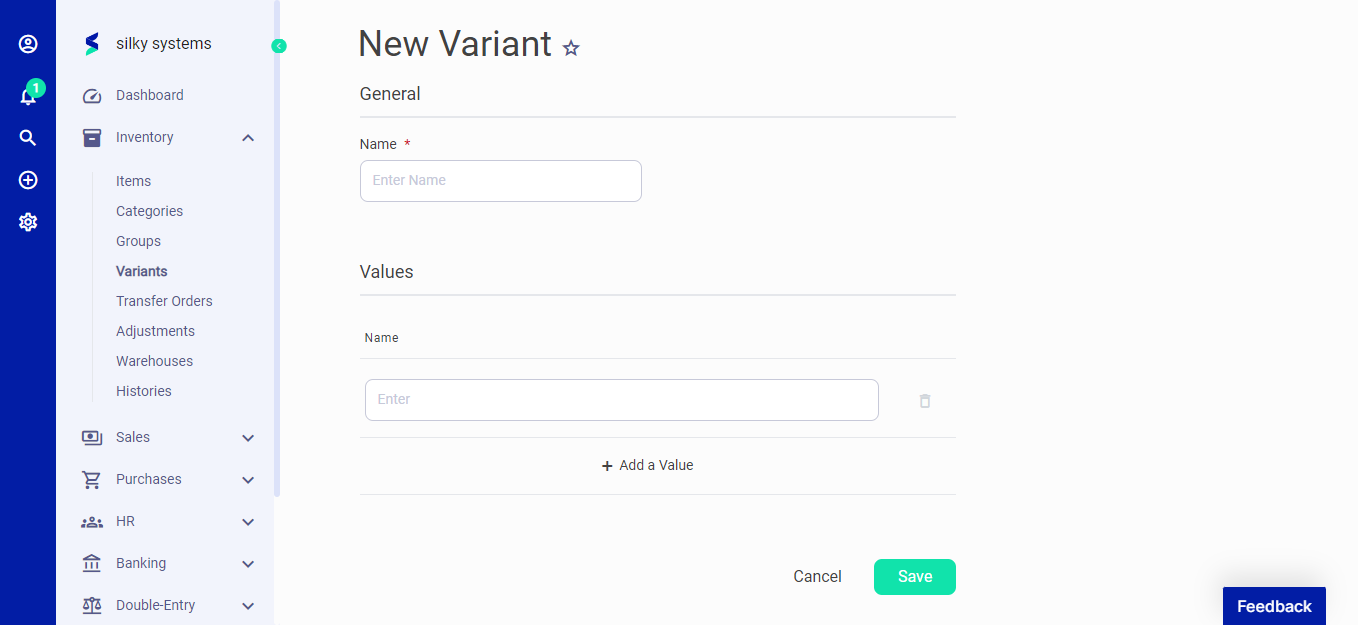 Figure.02 Variants
Click on Add Value to add new values to the variant.