Transfer Orders
Transfer Order allows you to keep track of item movement from one warehouse to another. Click on the Transfer Orders menu to add new Transfer Orders from the top of the page.
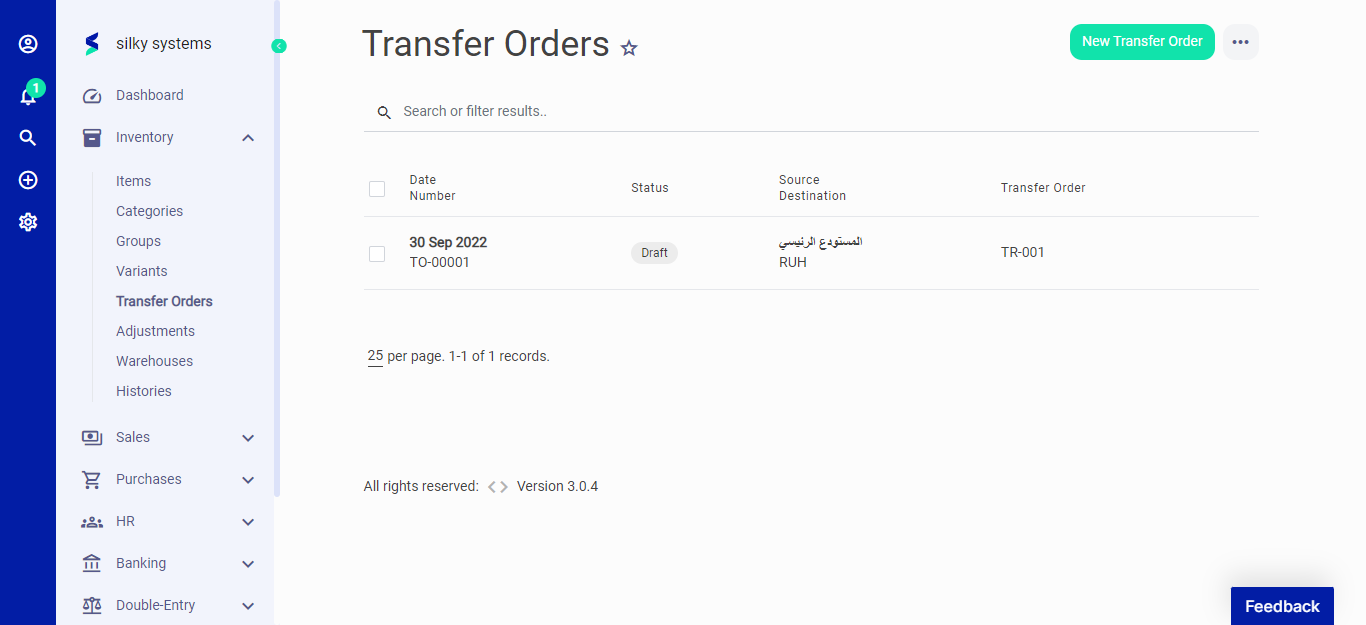 Figure.01 Transfer Orders
The following fields are displayed for Transfer Orders
- Transfer Order: The name of Transfer Order.
- Transfer Order Number: This is auto generated number for the Transfer Order.
- Date: The date when the order has to be transferred.
- Reason: The reason for the transfer.
- Source Warehouse: Select the origin warehouse where the order is currently present.
- Destination Warehouse: Select the destination warehouse where the order has to be transferred.
Once you select the warehouses, item sections appears below where you can select the items and their transfer quantity.
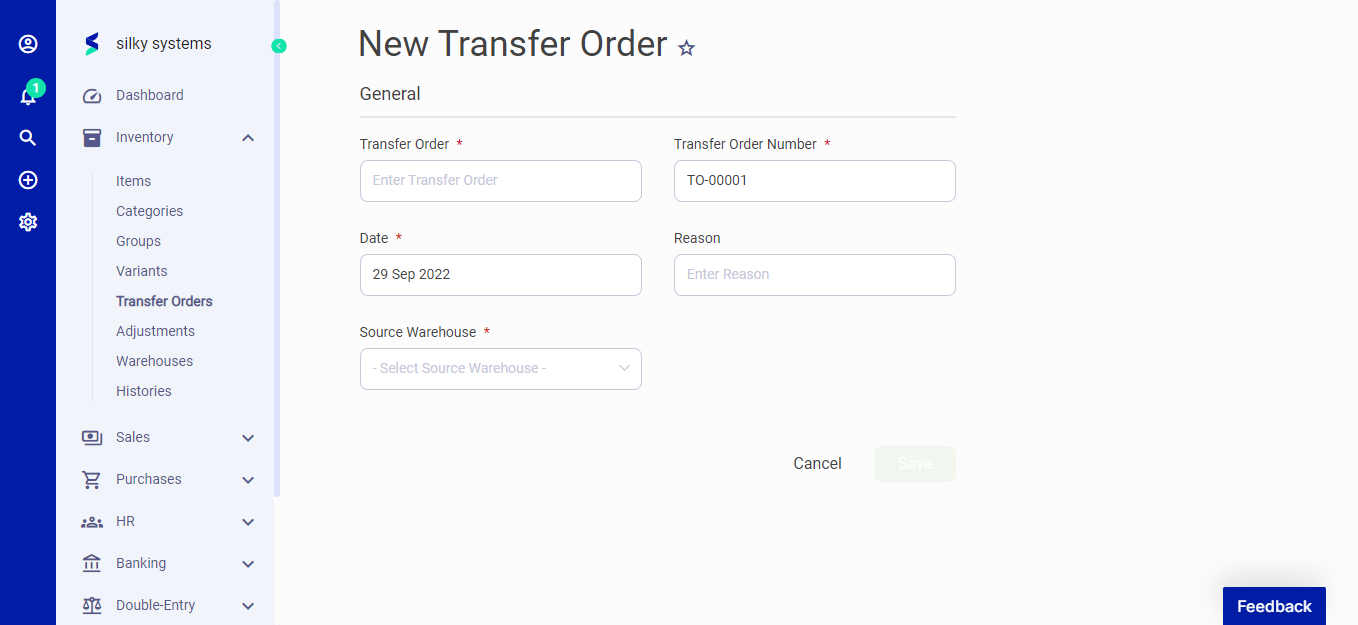 Figure.02 Transfer Orders
Click the transfer order to view their details. On the left side you can view their status. Click on the Ready to Transfer, In Transfer, or Transferred to change the Transfer order status accordingly.
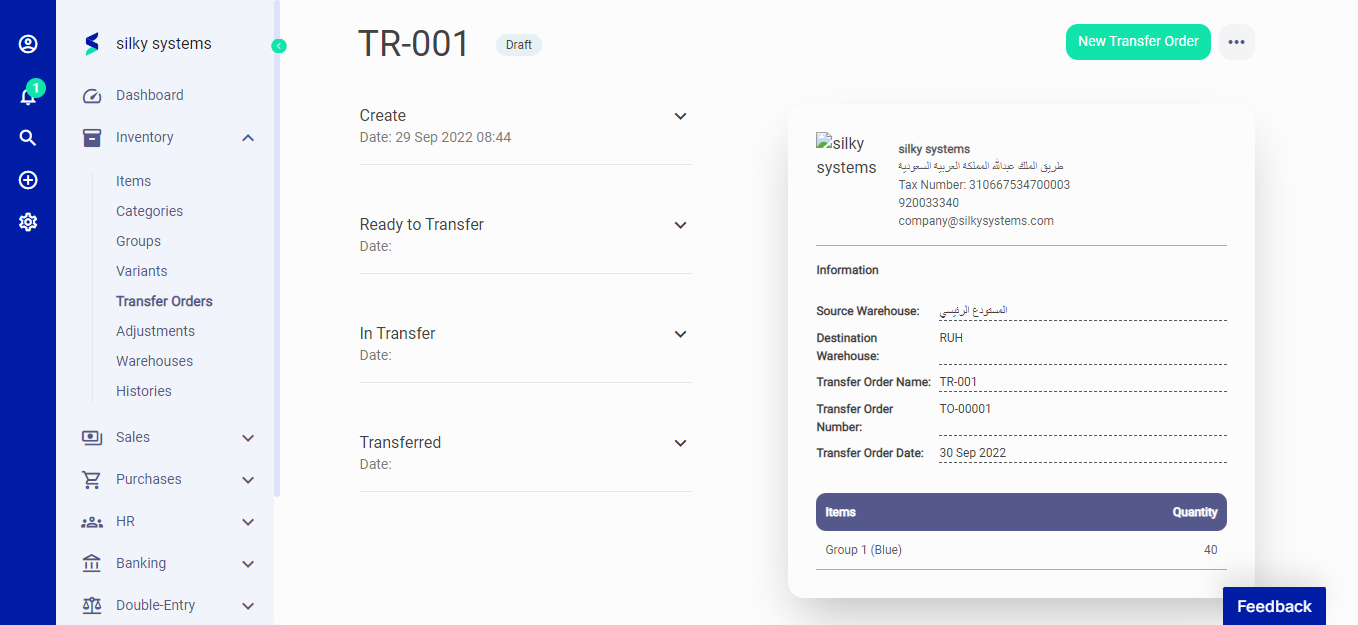 Figure.03 Transfer Orders