Modifiers Group
Overview
The Modifiers Group feature in the inventory system is designed for managing various attributes or variations that can be assigned to inventory items. These can include aspects such as size, color, or other additional item features, facilitating detailed inventory management and enhanced item customization.
Modifiers Group List
The Modifiers Group List is the centralized location where users can view and manage all existing modifier groups. Each entry in the list provides the name of the modifier group and the number of modifiers it contains, offering a snapshot view of the available options for item modification.
To access the Modifiers Group List:
- Navigate to the Inventory section in the application's sidebar.
- Select the 'Modifiers Group' tab to display the list of all modifier groups that have been created.
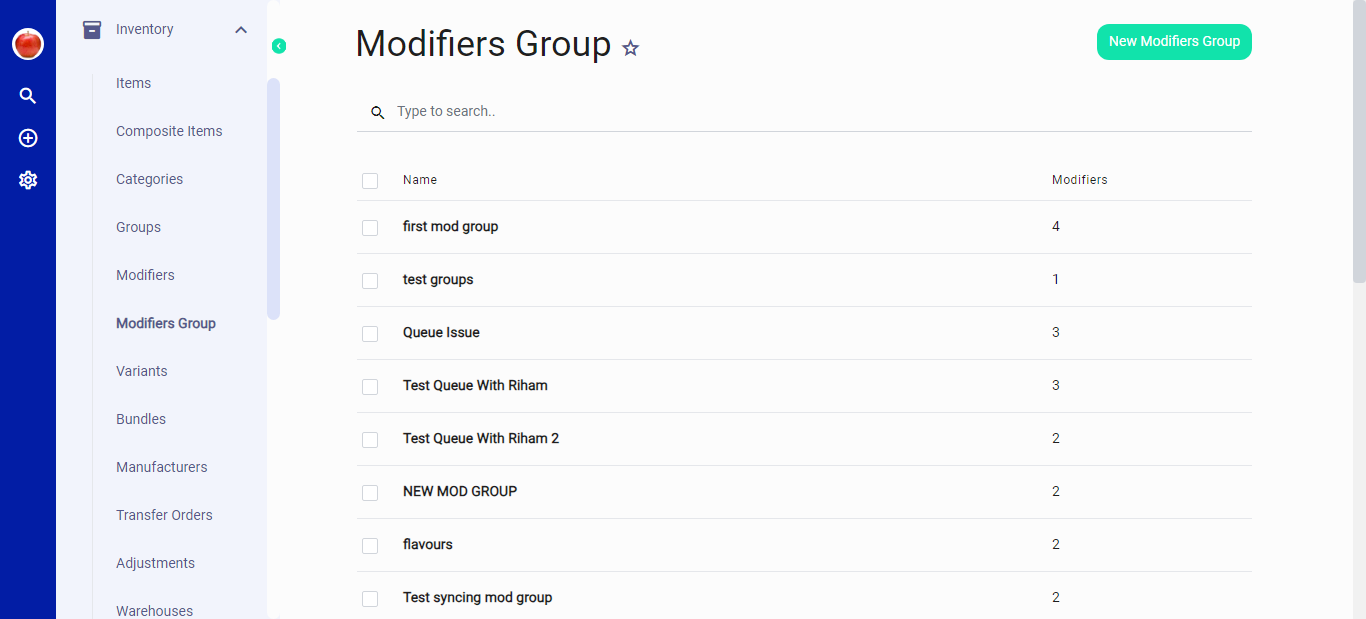 Figure.01 Modifiers Group List
Creating a New Modifiers Group
- In the 'Modifiers Group' tab, initiate the creation of a new group by clicking on the 'New Modifiers Group' button in the top right corner.
- A form will be presented to input the details of the new group:
- Name: Assign a distinctive name for the Modifiers Group.
- Minimum/Maximum: Set the limits for the number of modifiers that can be chosen within this group.
- Modifiers: Select from the pre-defined modifiers to be included in this group.
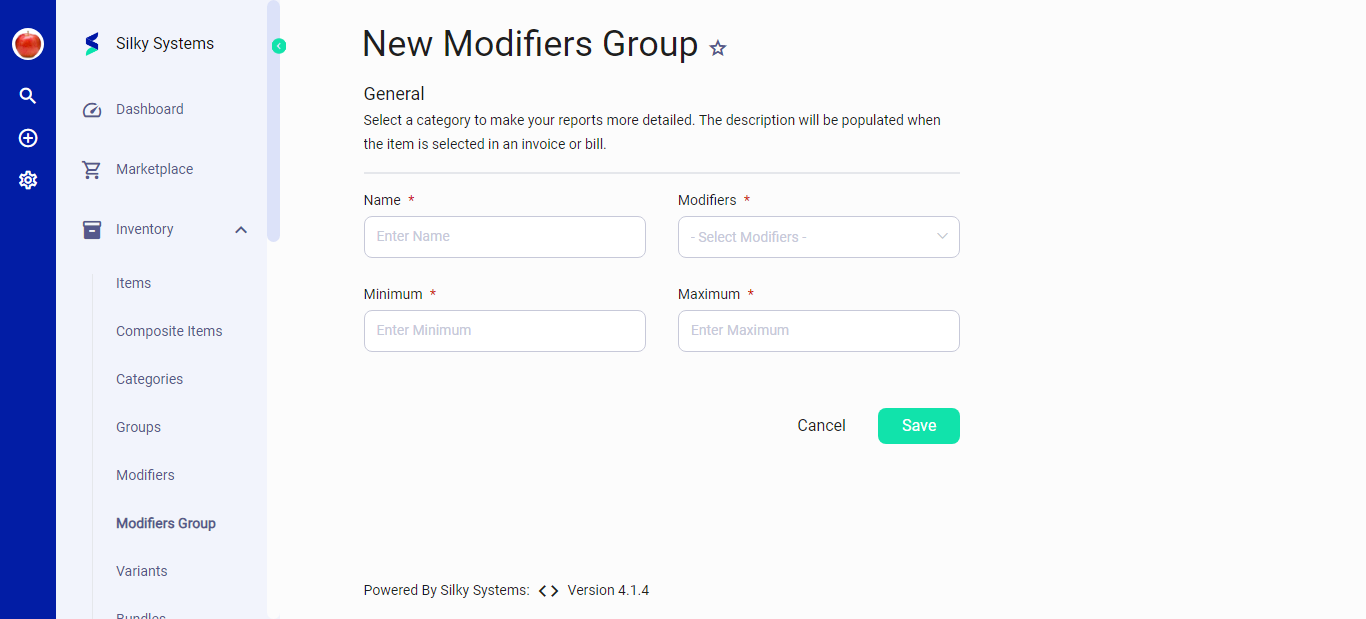 Figure.02 New Modifiers Group
Editing an Existing Modifiers Group
- To modify an existing group, select the group's name from the list.
- You'll be directed to the 'Edit Modifiers Group' interface, displaying the current settings for modification.
- After making desired changes to the group's details, confirm by clicking 'Save'.
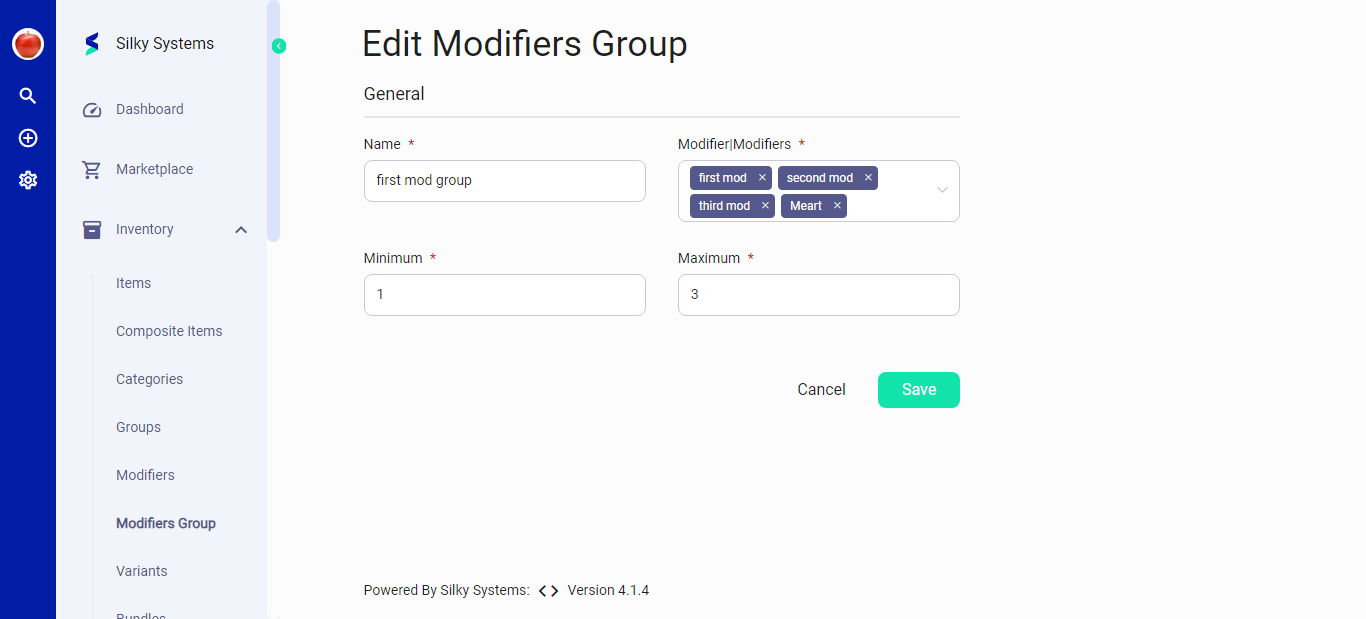 Figure.03 Edit Modifiers Group
Notes
- Adjusting the Modifiers Group settings can affect reporting, invoicing, and billing processes where these groups are applied.
- Selection of appropriate modifiers within a group is crucial for detailed sales analysis and inventory tracking.
For additional information or support with the Modifiers Group feature, please consult the system's help resources or contact customer support.