Groups
In the Groups section, you can manage your items that can be considered under the same group. You can select variants, add new items and manage their details from groups. Click on the Groups menu to add new Groups from the top of the page.
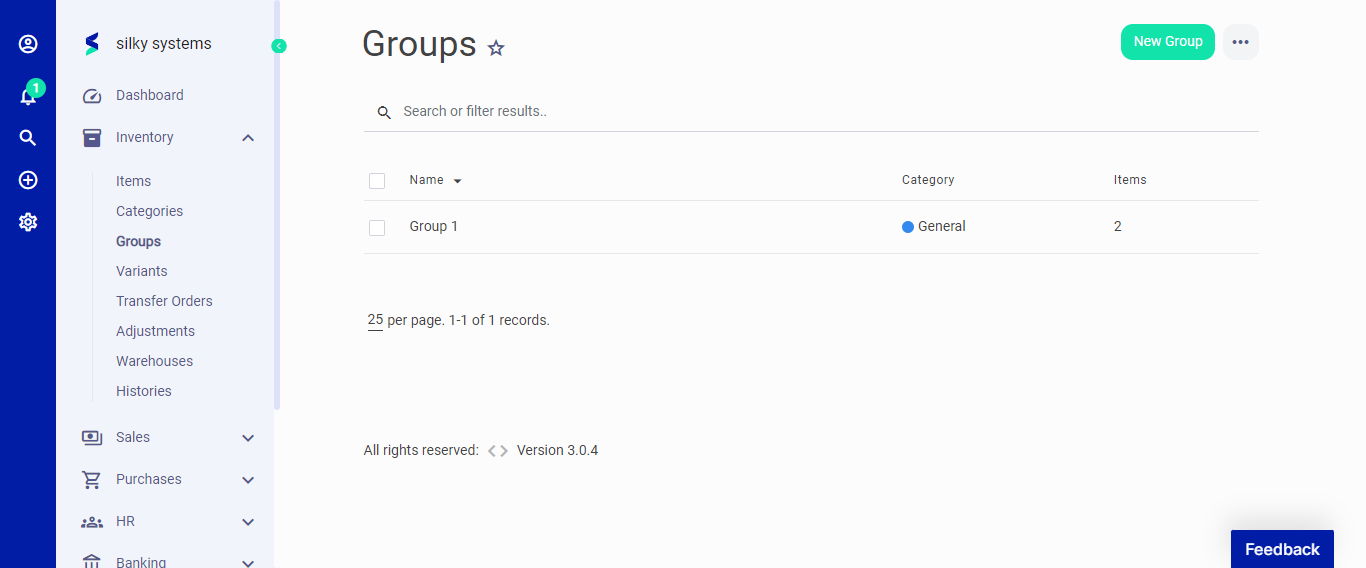 Figure.01 Groups
When creating a new group, you enter the category, tax, units - and the variants to make your reports detailed. The description field is helpful when creating an invoice or bill.
Under the general information, you can enter any item's general information such as SKU and price. In inventory section, you can add the warehouse and stock details.
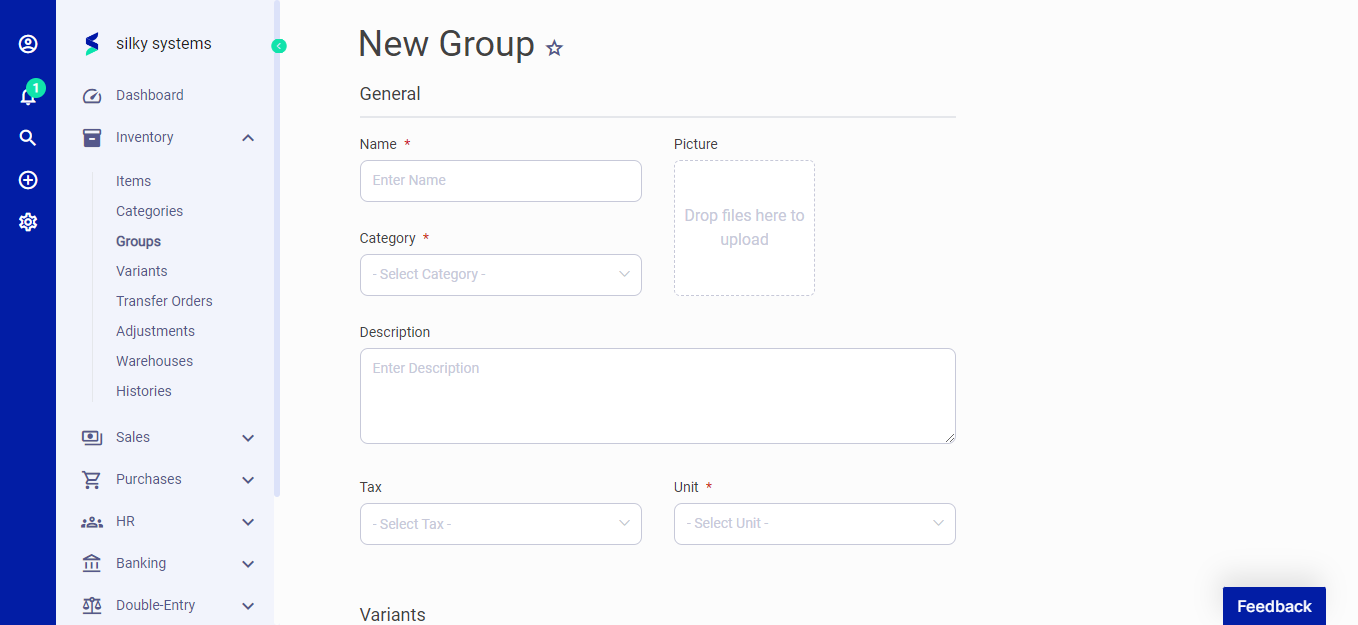 Figure.02 Groups