Products
The POS mobile application helps merchants keep track of their Product stock, create new products and even delete the old ones. You can view all the Products by clicking on Products on the left-hand menu beneath the Administration section. The product name, unit price and stock details are displayed for each product. You can add a new product by clicking on the plus icon below or delete the existing products by clicking on the delete button.
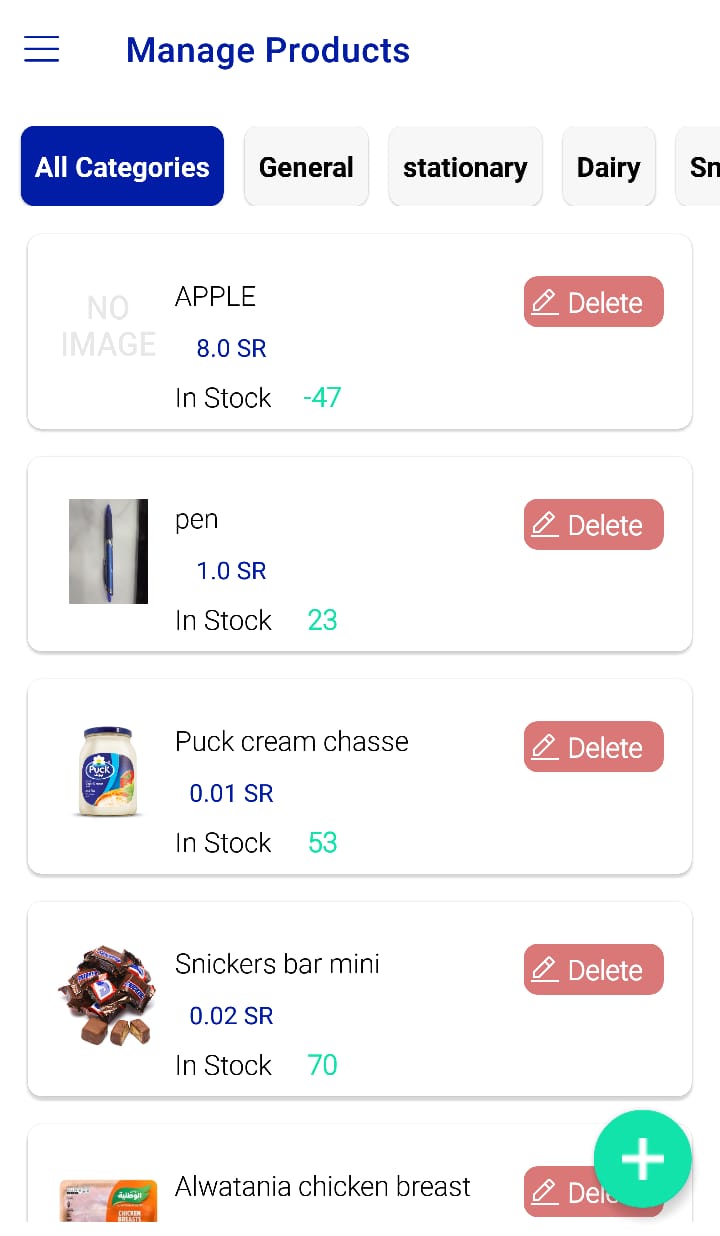 Figure.01 Products